

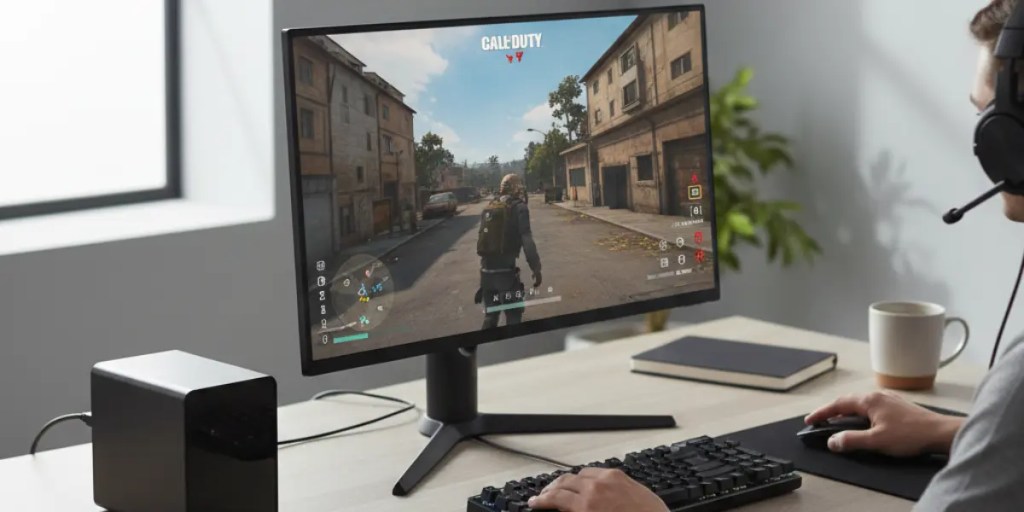
Mini Pc Buying Guide: Why Choose a Mini PC Today and Beyond?
Today’s Mini PCs have become powerful, space-saving alternatives to bulky desktops and traditional laptops. In this Mini PC Buying Guide, whether you’re a gamer, content creator, student, or business professional, you’ll discover how these compact systems deliver impressive performance in a small form factor.
Key Benefits:
- Energy-efficient and cost-effective
- Portable for dorms, small offices, and home workspaces
- Capable of gaming, AI, and creative workflows
- Upgradeable RAM and storage for long-term value
👉 Shop trusted Mini PCs:
Buy Mini PCs on Amazon | Buy Mini PCs on Marginseye
Top Mini PCs to Consider Today
| Model | Best For | Key Features | Purchase |
|---|---|---|---|
| Mac mini M4 | General Use | Apple M4 chip, seamless macOS integration | Amazon | Marginseye |
| Geekom AX8 Pro | Windows Users | AMD Ryzen 9 7940HS, compact design | Amazon | Marginseye |
| Minisforum UM790 Pro | Video Editing | High-performance CPU for creative tasks | Amazon | Marginseye |
| Asus ROG NUC 970 | Gaming | Intel Core Ultra 9, RTX 4070 GPU | Amazon | Marginseye |
| Kamrui E3B | Budget-Friendly | AMD-powered, under $400 | Amazon | Marginseye |
Sources: Tom’s Guide, TechRadar
What to Consider When Buying a Mini PC
1. Performance Needs
- General Use: Web browsing, document editing, online meetings
- Creative Work: Video editing, design, and AI tools (requires strong CPU/GPU)
- Gaming: Dedicated or high-end integrated graphics for smooth performance
2. Portability and Space
Mini PCs are perfect for small spaces, student dorms, and modern offices. Their compact size allows easy mounting behind monitors or clean placement on desks.
3. Connectivity Options
Look for models with:
- USB-C and USB-A ports
- HDMI or DisplayPort
- Ethernet
- Wi-Fi 6 / Wi-Fi 6E
- Bluetooth 5.2+
4. Upgradeability
Choose Mini PCs that support:
- RAM upgrades (32GB–64GB recommended for creators)
- NVMe SSD expansion for fast storage and future-proofing
Mini PC Buying Guide: Use Cases & Recommendations
Mini PC for Home Office
The Geekom AX8 Pro offers reliable performance for video calls, multitasking, and productivity tools.
👉 Buy on Amazon | Buy on Marginseye
Mini PC for Content Creation
The Minisforum UM790 Pro is ideal for video editors, designers, and creative professionals handling demanding workloads.
👉 Buy on Amazon | Buy on Marginseye
Mini PC for Gaming
The Asus ROG NUC 970 delivers powerful graphics and fast performance in a compact gaming workstation.
👉 Buy on Amazon | Buy on Marginseye
Budget Mini PC for Students
The Kamrui E3B is a cost-effective choice for students and casual users who need reliable everyday performance.
👉 Buy on Amazon | Buy on Marginseye
Mini PC Buying Guide: Conclusion
Mini PCs today combine power, portability, and efficiency into a single compact solution. By comparing models from trusted platforms like Amazon and Marginseye, you can confidently choose the best Mini PC to match your workflow, budget, and long-term needs.
⭐ If this guide helped you, please leave a review and support our work on BuyMeACoffee or Patreon.
FAQs – Mini PC Buying Guide
Can a Mini PC replace a traditional desktop?
Yes. Most modern Mini PCs can handle office work, creative tasks, gaming, and even light AI workloads.
Do I need a dedicated GPU?
Only for heavy gaming, advanced 3D rendering, or AI model training. Integrated GPUs work well for most users.
Where is the safest place to buy a Mini PC?
Trusted sellers with clear warranties and support, such as Amazon and Marginseye.
Can a Mini PC handle multiple monitors? Yes. Many Mini PCs support dual or triple monitor setups, making them suitable for multitasking and professional workflows.
How much RAM should I get in a Mini PC? For everyday tasks, 8GB is sufficient. For heavy multitasking, creative work, or gaming, 16GB or more is recommended.
Are Mini PCs energy efficient? Yes. Mini PCs typically consume less power than traditional desktops, making them ideal for home offices and long working hours.
Can I upgrade storage on a Mini PC? Most Mini PCs allow SSD or NVMe upgrades, giving you flexibility for storage expansion and faster performance.
Is a Mini PC suitable for gaming? Light to moderate gaming is possible on Mini PCs with integrated graphics, but high-end gaming requires models with dedicated GPUs.
Related Reading
🔗 AI-Powered Mini PCs: Are They Better for Content Creators?
Read on Amazon | Read on Marginseye
🔗 Mini PC vs Laptop Comparison Guide
View Comparison on Amazon | View Comparison on Marginseye

